Paste a script
Paste in a script or article you've already written.


V-GEN · Start from documents
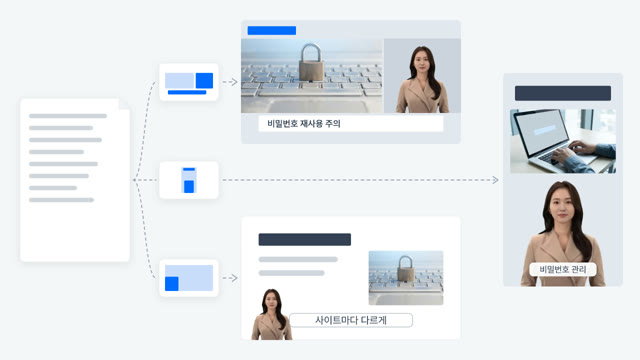
Upload your script, document, PPT, PDF, or Hangul (HWP) file as is. AI splits it into scenes and builds a storyboard with the narration script and caption text filled in.
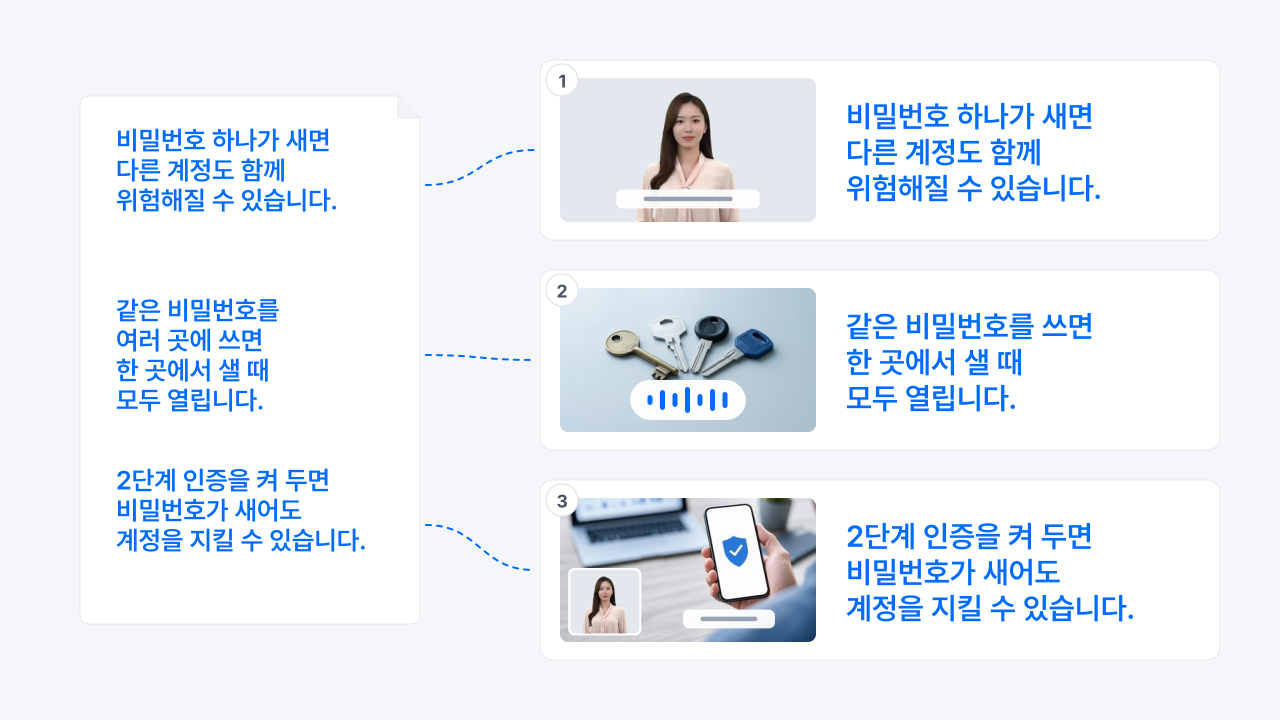
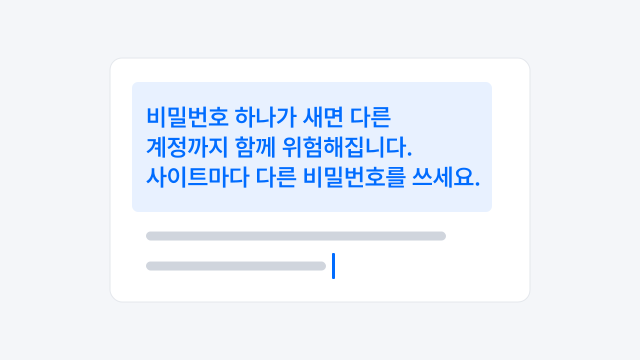
Paste in a script or article you've already written.
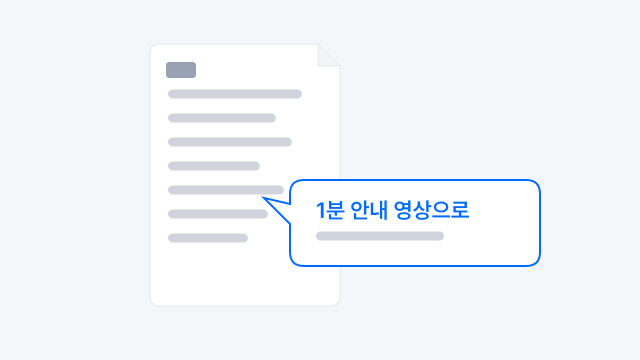
Upload a Word, Hangul (HWP), or text file, and add a note on what kind of video you want.

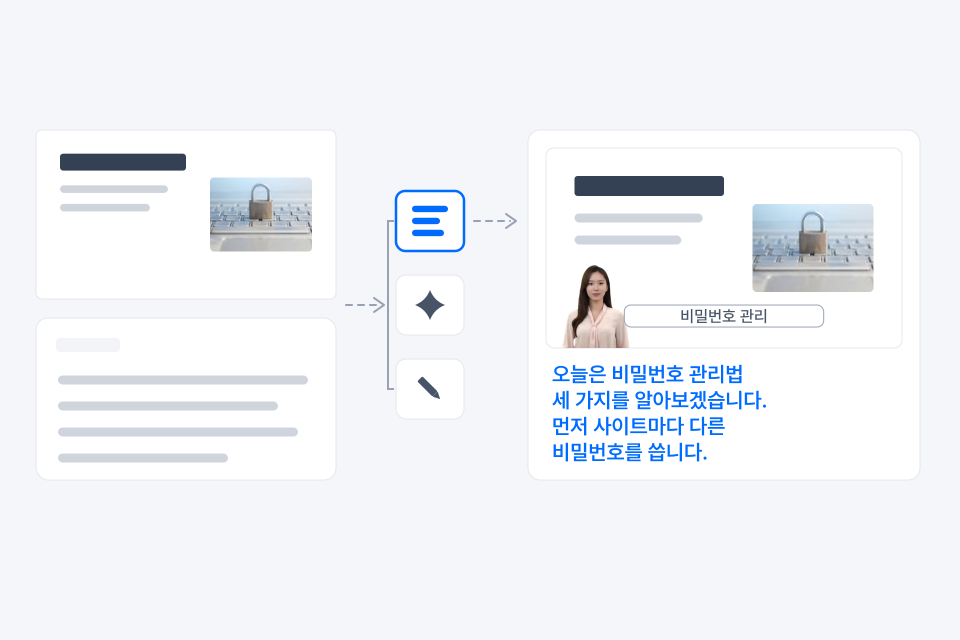
Slides become the visuals for each scene, and speaker notes become the script.
You can edit the storyboard scene by scene.

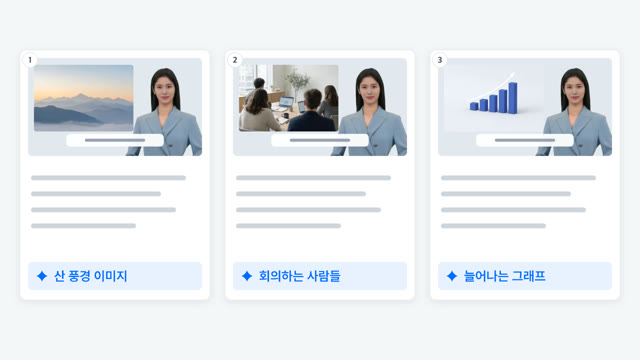
Upload a PPT or PDF and each slide becomes the visual for one cut. For the script, use your speaker notes as is, let AI write it, or leave it blank and write your own.
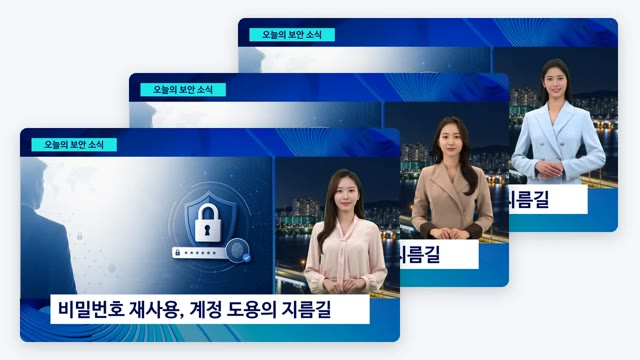
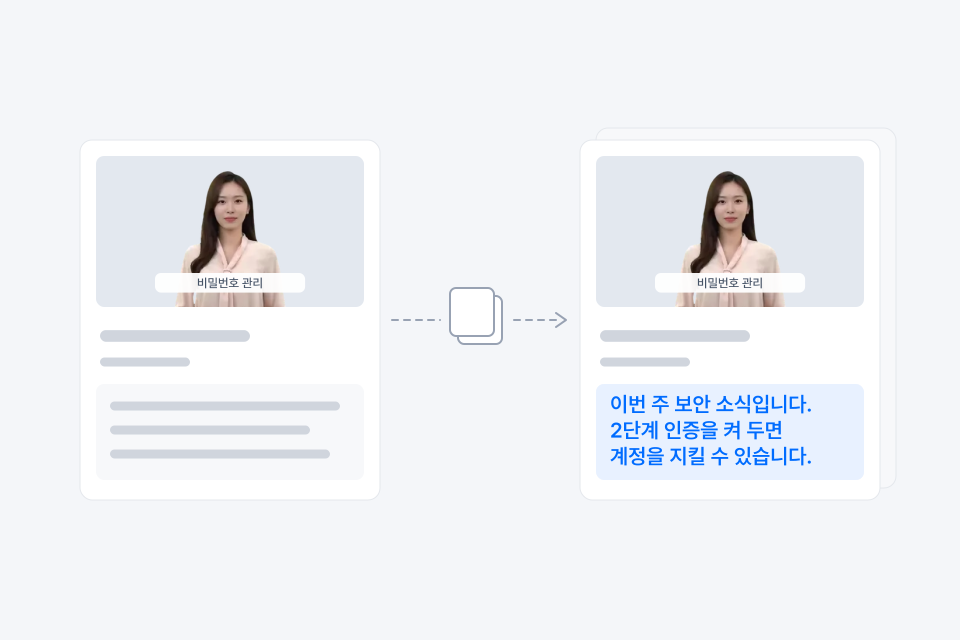
Duplicate a past project and the script, template, avatar and voice settings, and storyboard layout all carry over. Edit only what changed and you have a new video, which is ideal for weekly briefings or regular news updates.
See videos organizations and companies have made with AIPARK Studio, the home of V‑GEN and AiVATAR.
You can upload documents such as Word, Hangul (HWP), and text files, plus PPT and PDF. You can also paste in your script directly. PPT and PDF files can be up to 50MB, and only the first 20 pages become scenes. These limits apply only to the slide file you start a video from, not to the finished video or b-roll files.
Yes. Pick a language, template, and avatar, then start from a blank canvas and fill in scenes yourself.
Yes. You can edit the script and caption text for each scene in the storyboard.