
V-GEN · Avatars & voices
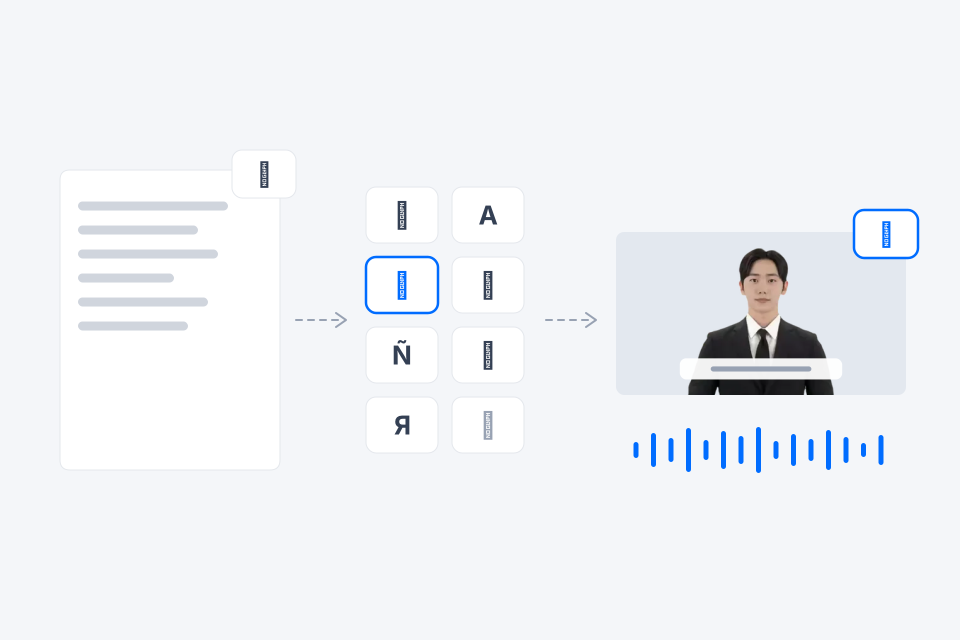
Use AiVATAR's 140+ AI avatars and wide range of voices right in V‑GEN. Switch presenters scene by scene and create narration in any of 90+ languages.
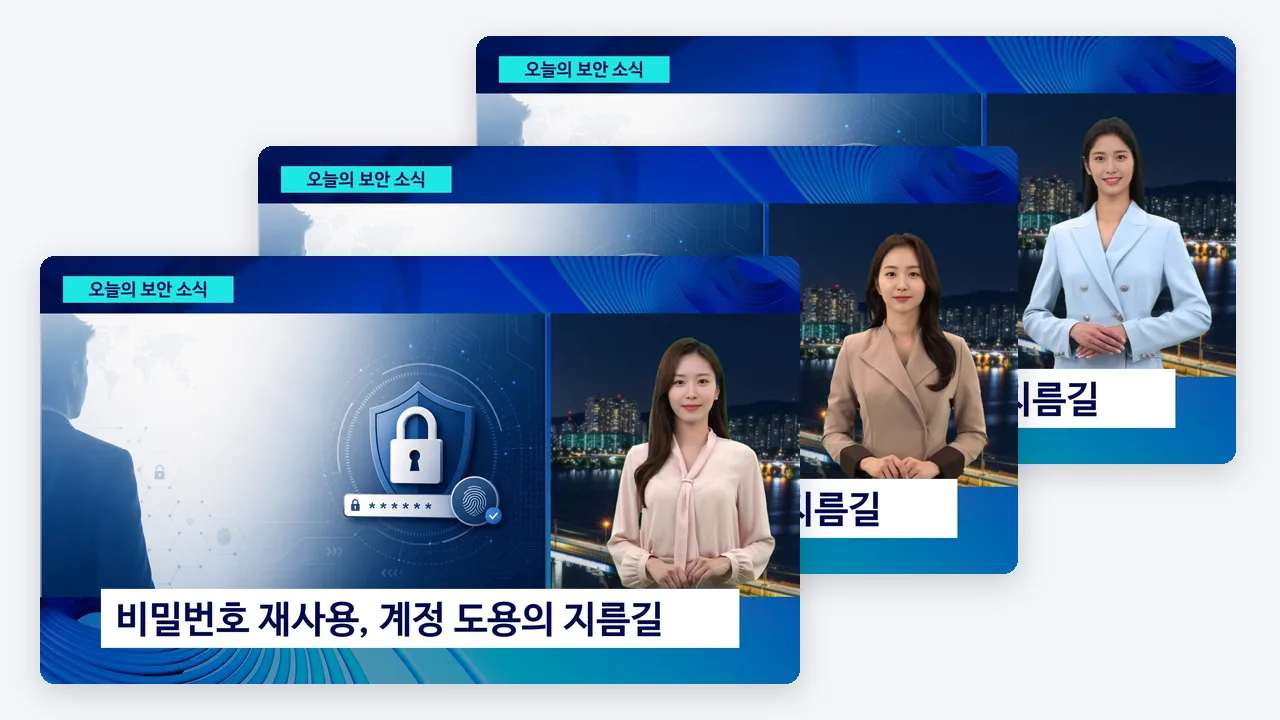
Choose a presenter from avatars of many looks and styles to match the tone of your video. Clear delivery for news, calm explanation for training, a friendly face for promotion: the same script lands differently depending on who presents it.
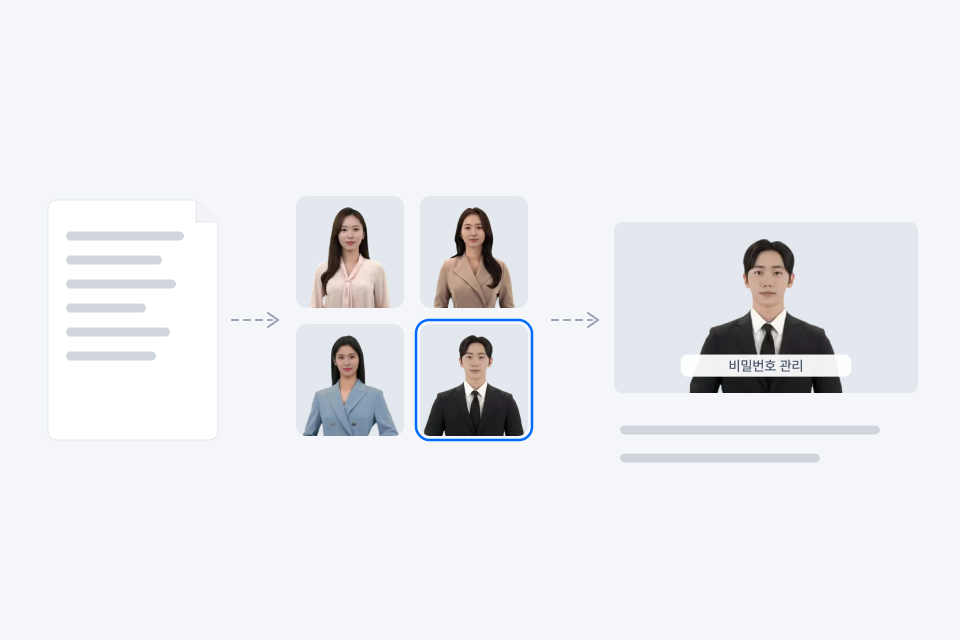
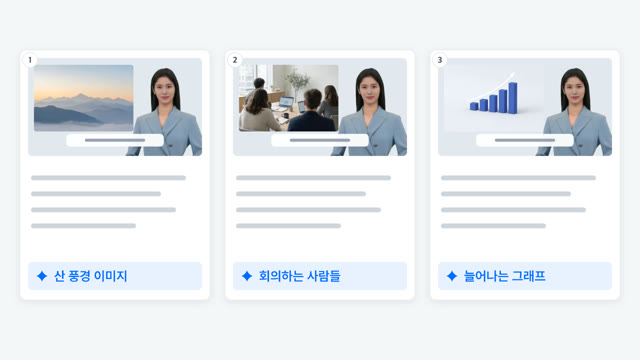
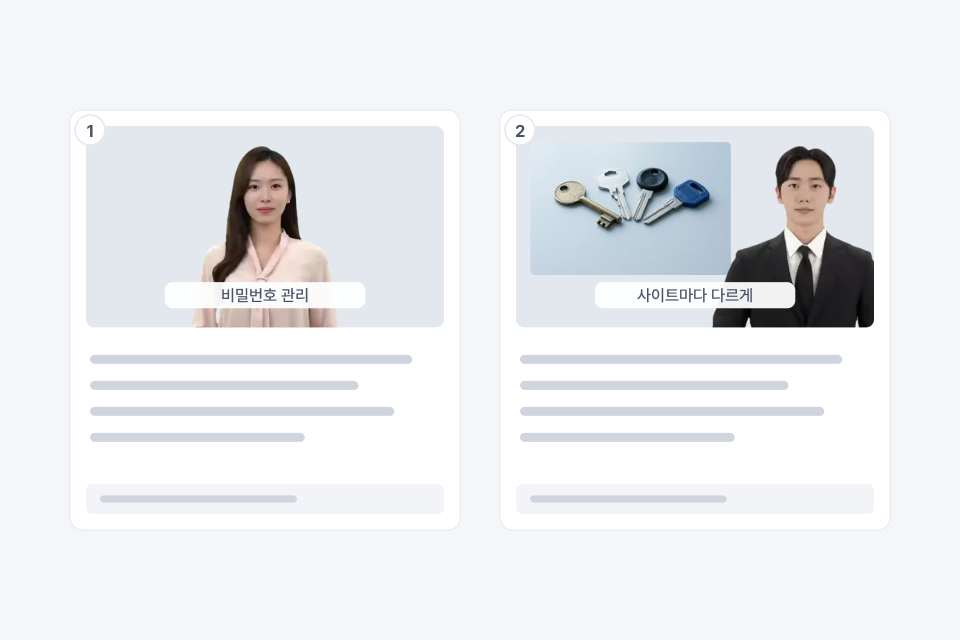
Set the avatar and gesture for each scene. Build videos where several presenters take turns, like a news anchor handing off to a reporter or a host talking with an expert.
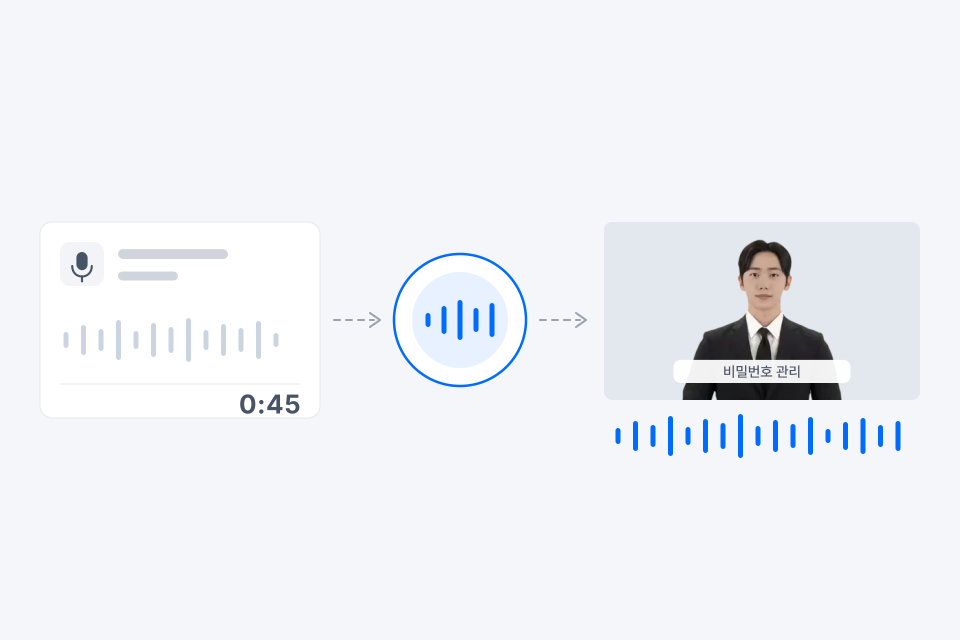
Select Avatars and Studio Custom Avatars work in V‑GEN too. For voice, upload a 30–60 second audio file and create a custom voice right inside V‑GEN.
Whatever language your source is in, narration and captions are created in the video language you choose. 90+ languages are supported, and each video is made in one language.
You can also adjust narration speed per cut. → Templates & editing
See videos organizations and companies have made with AIPARK Studio, the home of V‑GEN and AiVATAR.
You can use AiVATAR's stock avatars plus your organization's Select Avatars and Studio Custom Avatars. The number of stock avatars depends on your plan, so check the pricing page.
Yes. Upload a 30–60 second audio file (WAV or MP3) to create a custom voice in V‑GEN and use it right away.
Each video is made in one language. If you need another language, make a separate video for it.