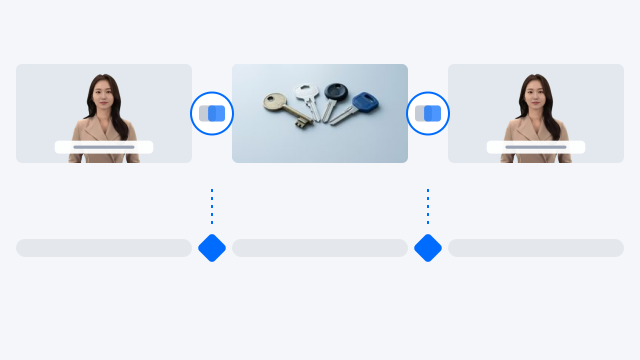
Scene transitions
Add transitions between scenes and pick an intro effect for the opening. You can apply one to every scene at once.


V-GEN · Templates & editing
Pick a broadcast-quality template and your layout and caption design fall into place. Scene transitions, background music, narration speed, and your logo take just a few clicks.
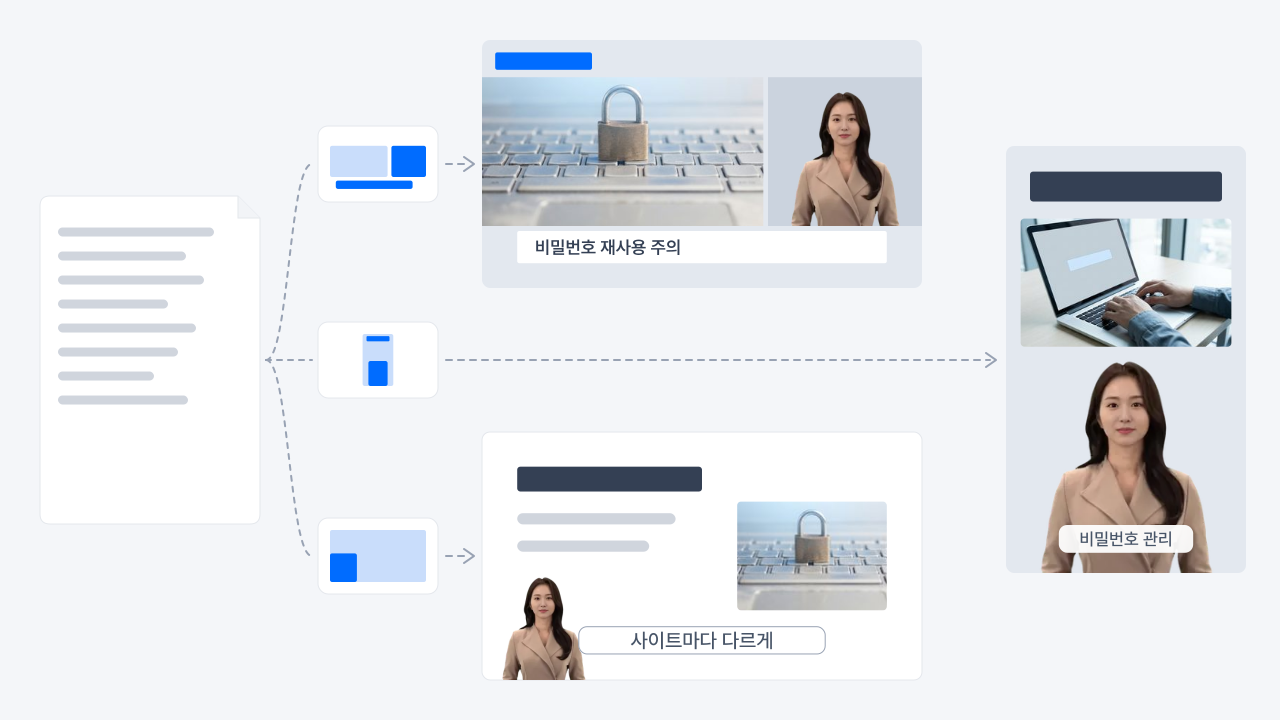
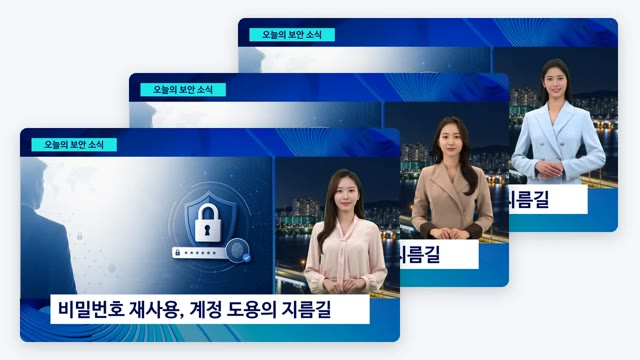
Templates for news, education, guides, presentations, and slides, in landscape (16:9) and portrait (9:16). Pick one and V‑GEN sets up the scene order, whether each scene shows an avatar or uses voice only, and where the captions go. Available on every plan.
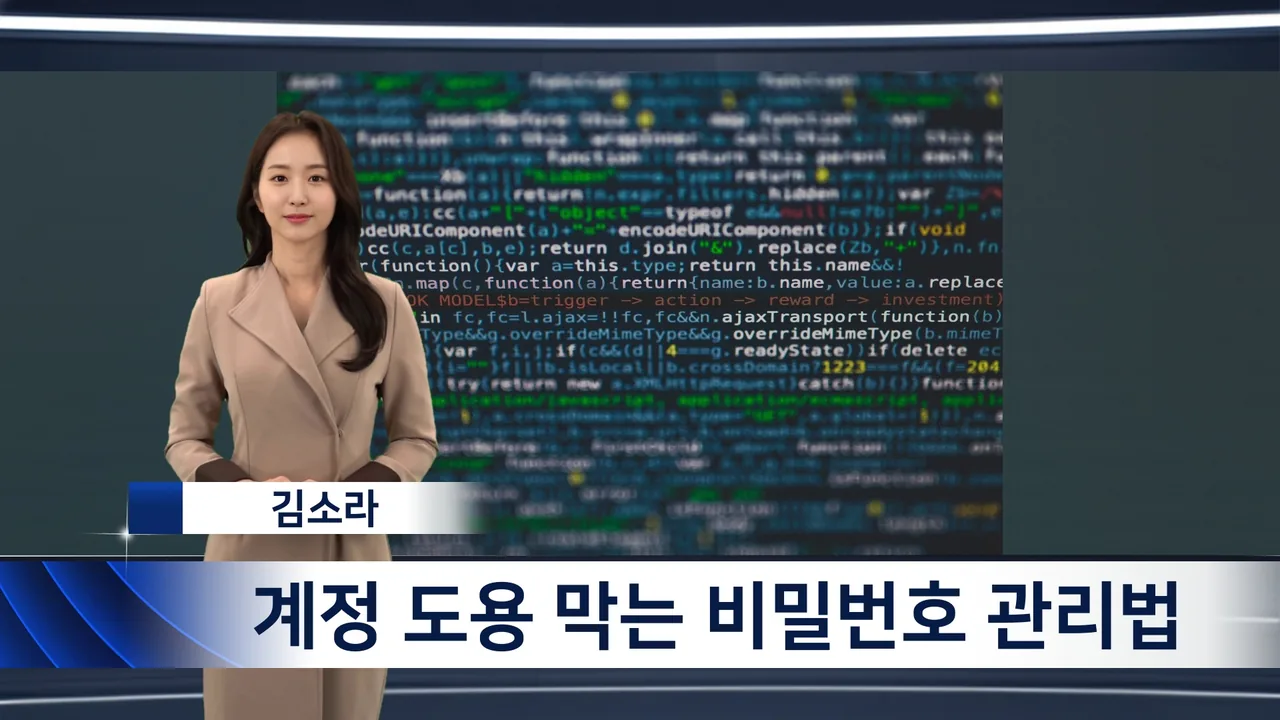
News

Education
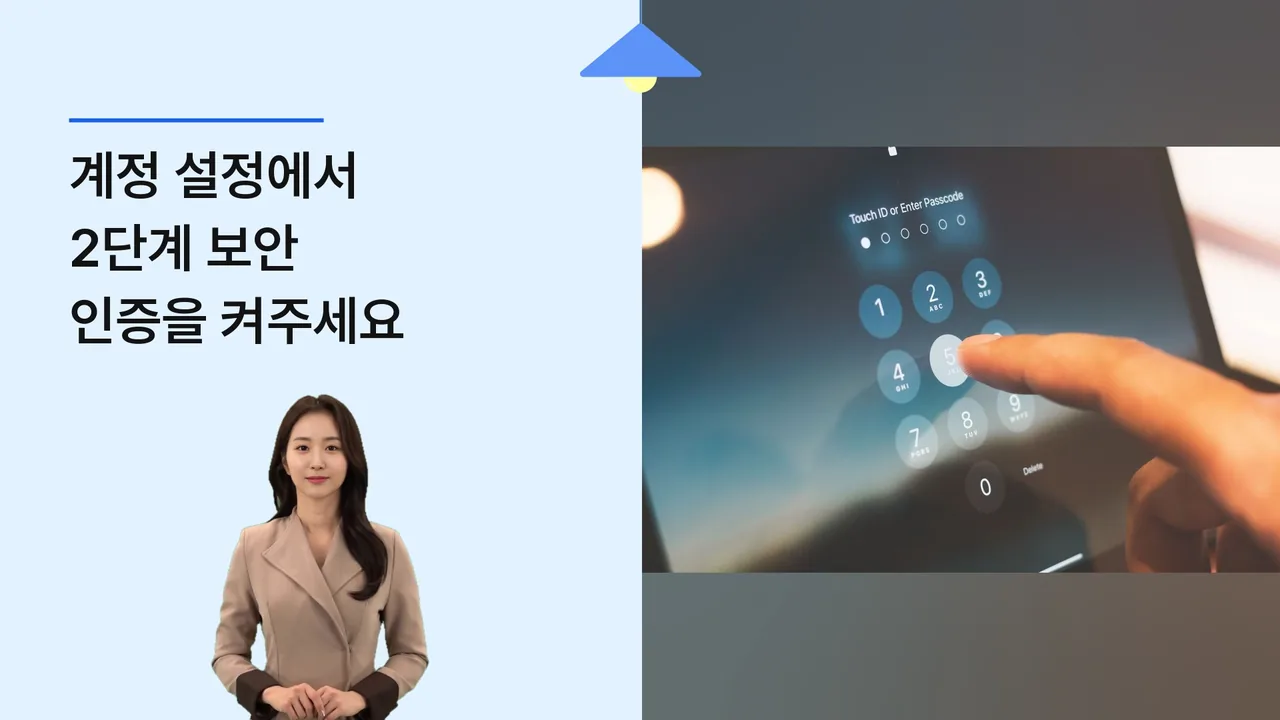
Guide
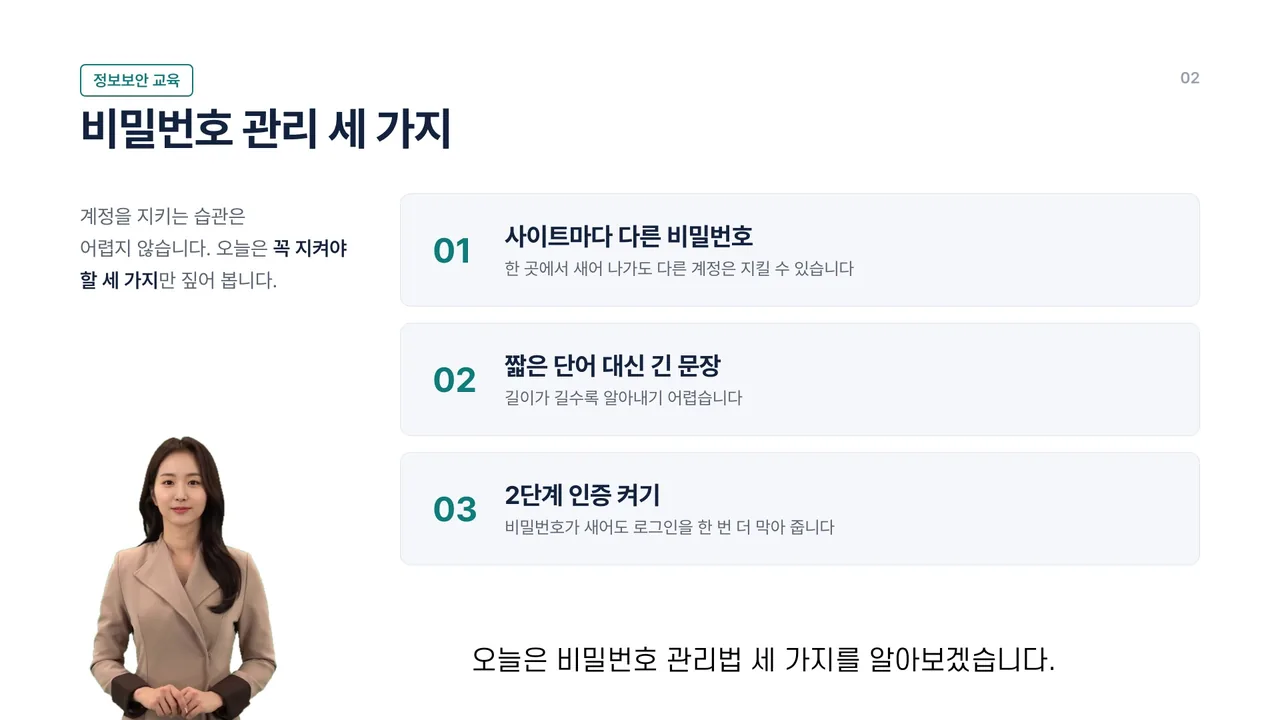
Presentation
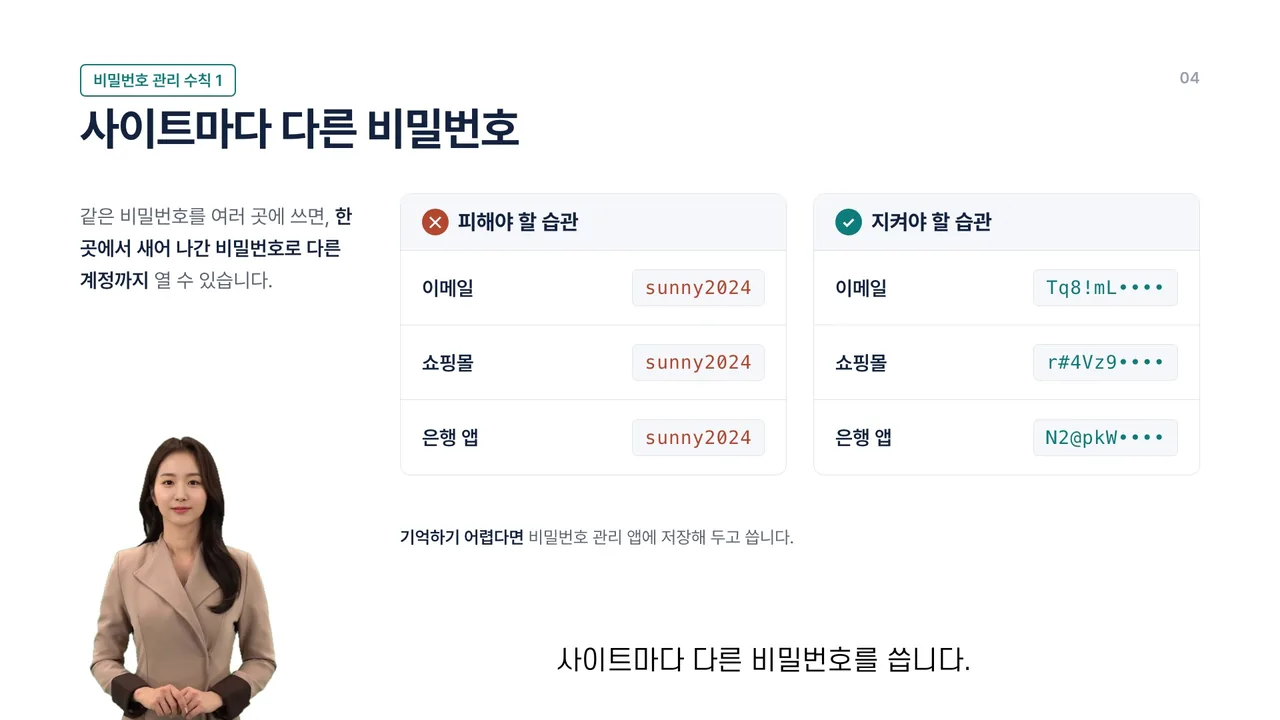
Slides

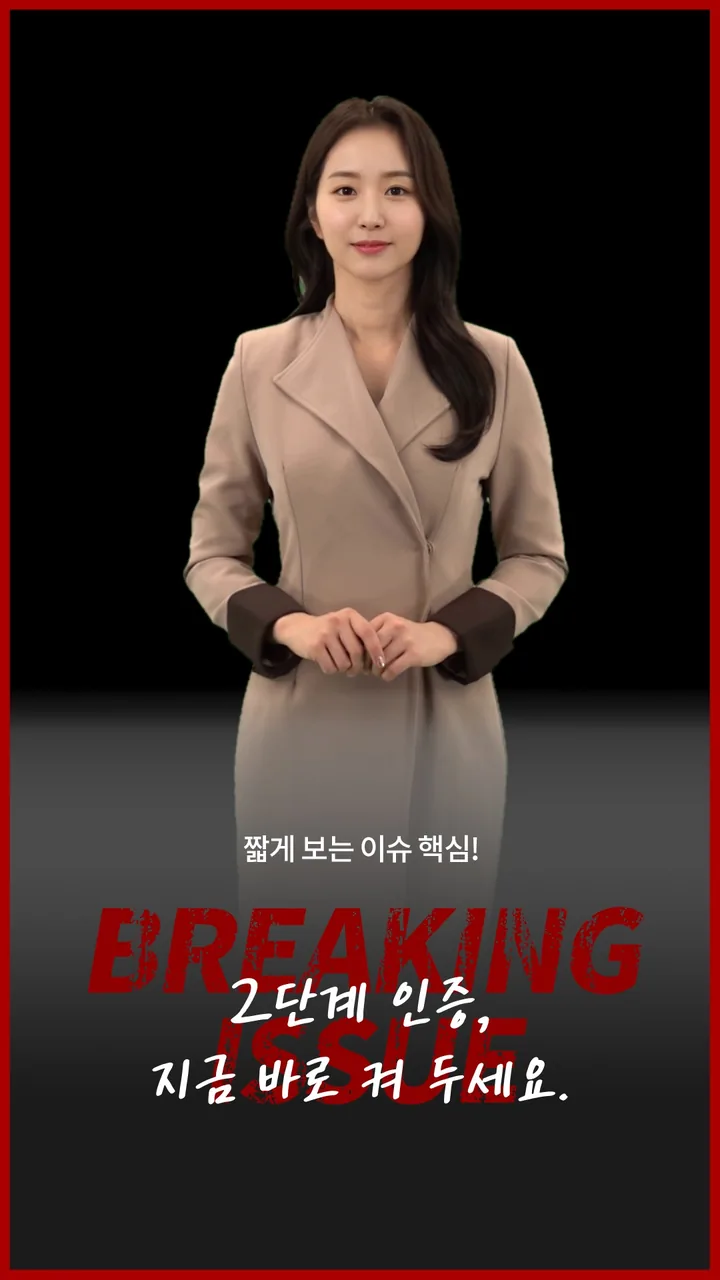
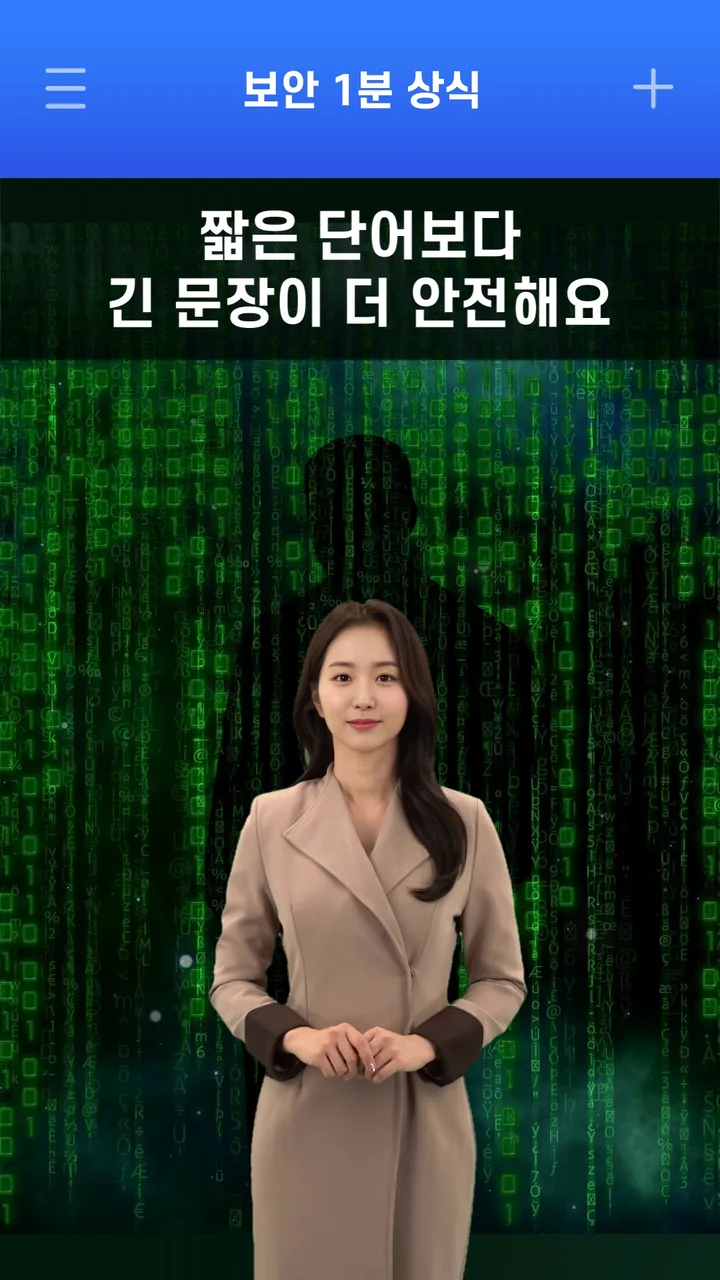
Add transitions between scenes and pick an intro effect for the opening. You can apply one to every scene at once.
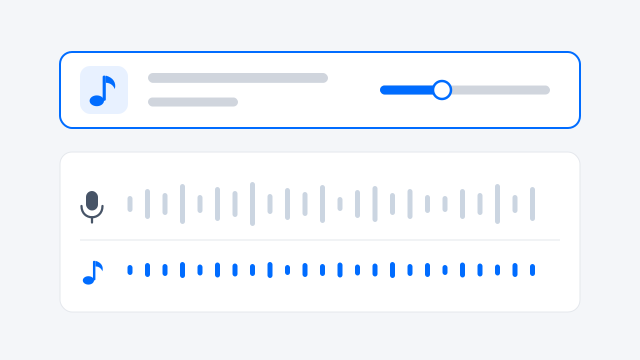
Upload your own audio (MP3 or WAV) and it plays under the whole video, fading in and out naturally. You can adjust the volume.
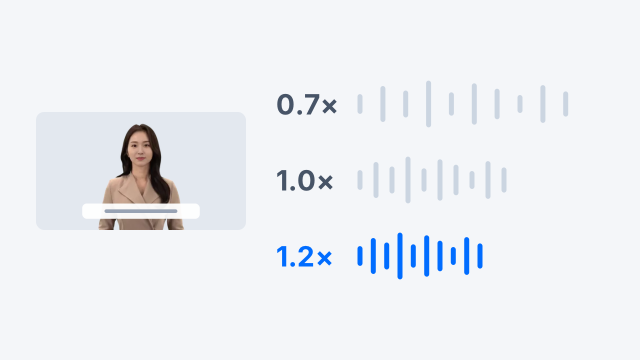
Set the narration speed per cut, from 0.7x to 1.2x.
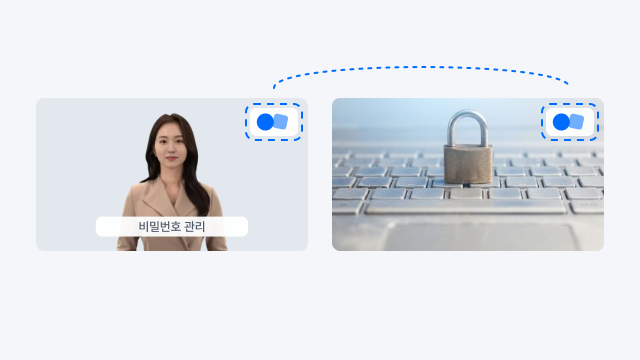
Upload your logo and it appears in the top-right corner of every scene.
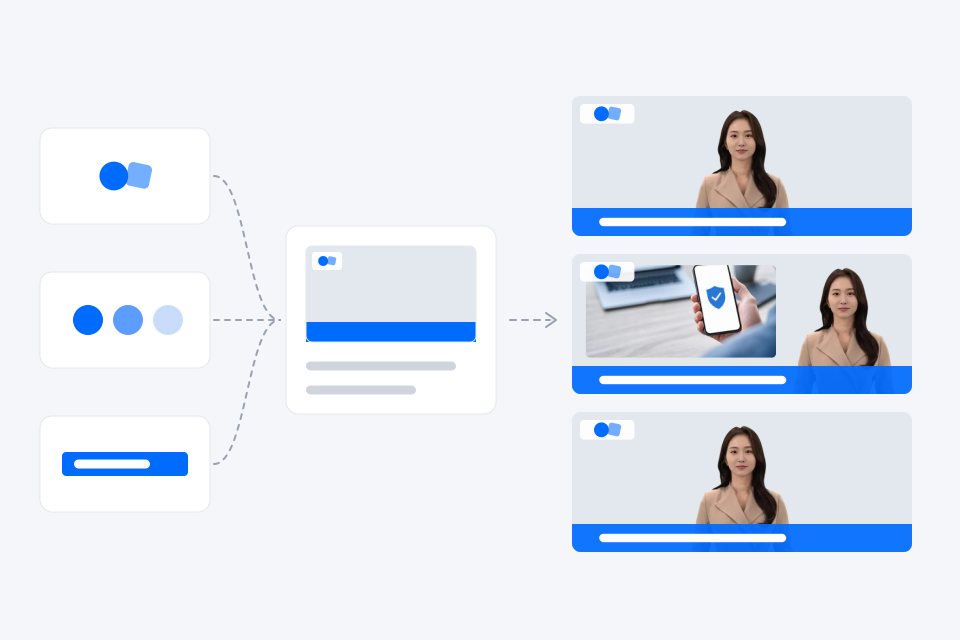
We build new templates around your organization's logo, key colors, and caption rules, matched to your brand and content format. They're made just for you, so every video comes out in the same format, whoever makes it.
See videos organizations and companies have made with AIPARK Studio, the home of V‑GEN and AiVATAR.
Yes. Stock templates come in both landscape (16:9) and portrait (9:16).
You upload your own audio file (MP3 or WAV). Each video uses one track.
Send us an inquiry and we'll confirm the format and brand elements you need, then walk you through the scope.