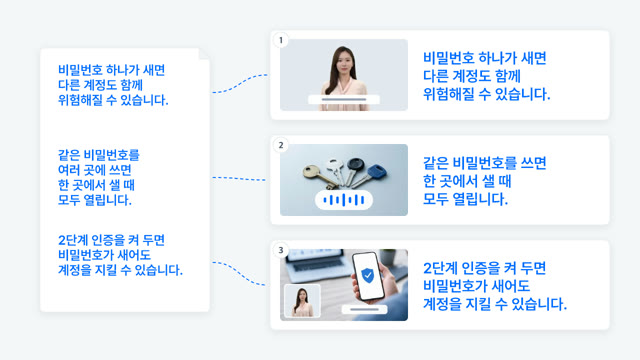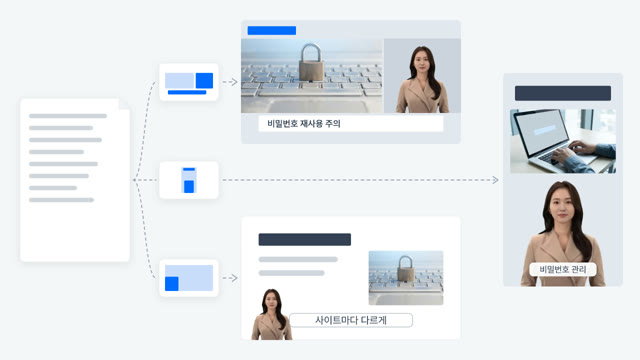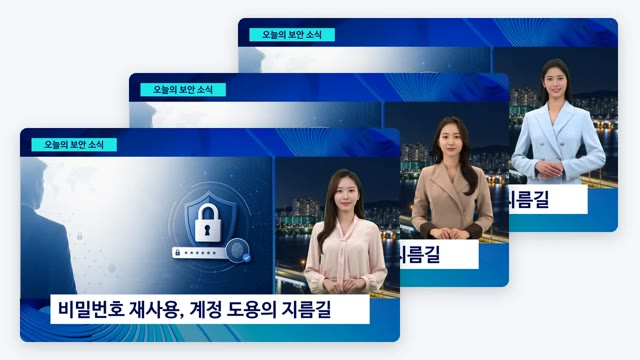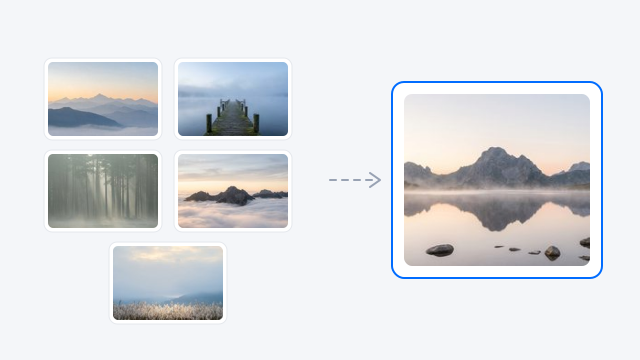
Show the mood with a picture
Add up to 5 reference images to get closer to the look you want.


V-GEN · AI b-roll
Generate the images and video clips your scenes need with AI, right inside V‑GEN. Use today's leading generative AI models without separate subscriptions, and your visuals drop straight into the right scene.
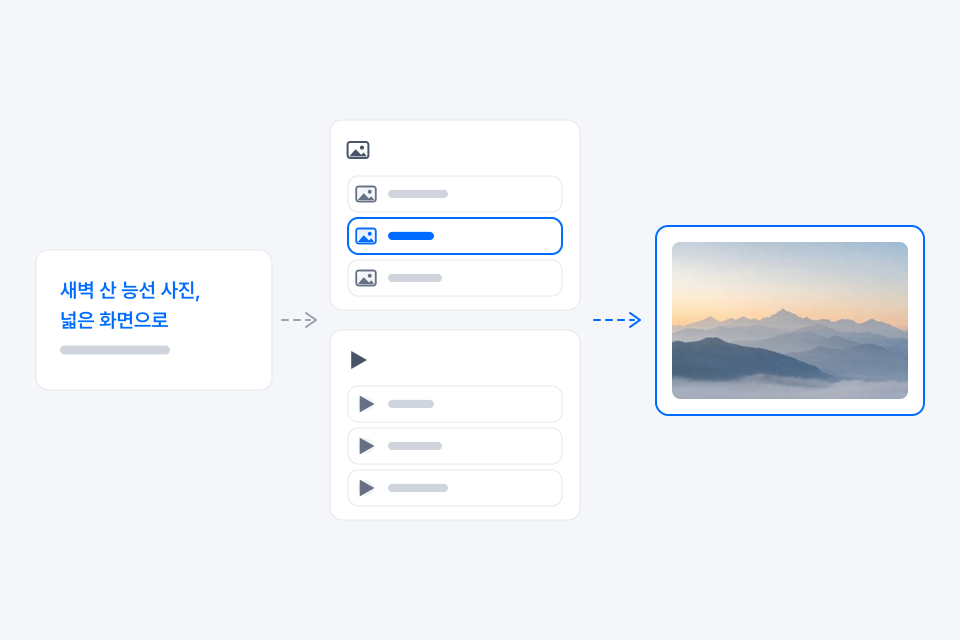
Make images with OpenAI's GPT Image and Google's Nano Banana, and video with Google's Veo and Runway. Choose the model that fits the job, from photorealistic images to illustrations and short clips.
Images: GPT Image · Nano Banana · Seedream
Video: Veo · Runway · Seedance
Available generative models may change or be removed without notice due to provider policy changes.
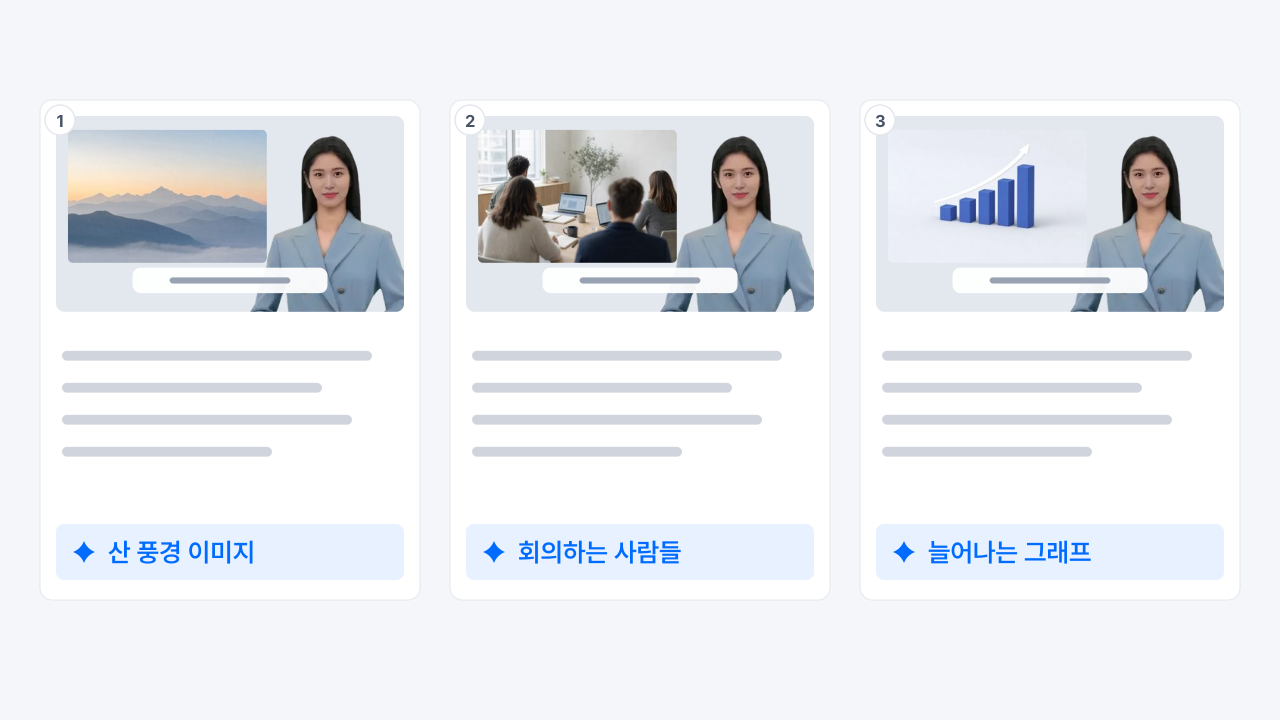
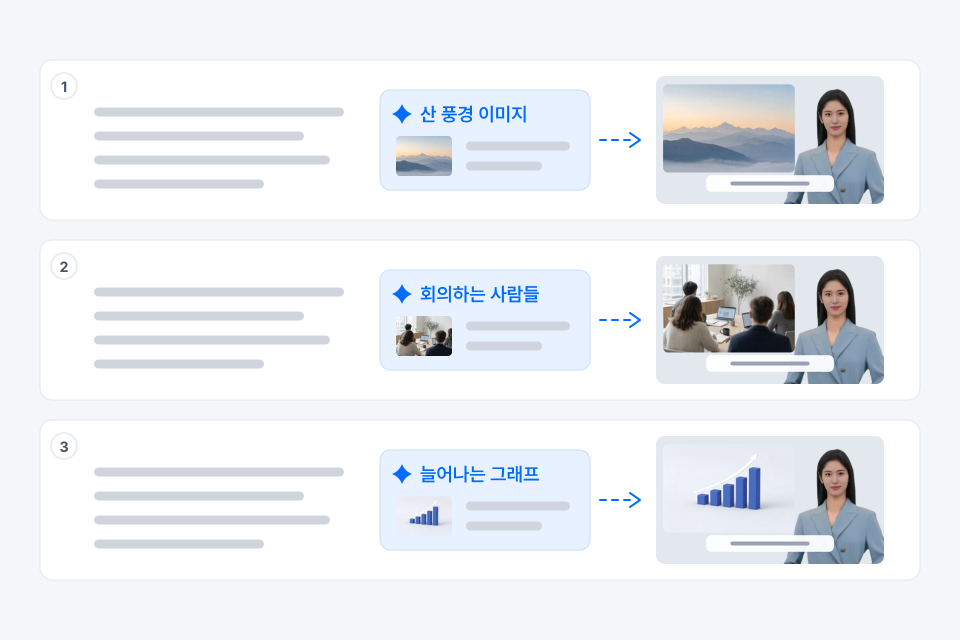
AI reads your script and suggests the visuals each scene needs. Generate them as suggested or adjust them to your liking.
Add up to 5 reference images to get closer to the look you want.
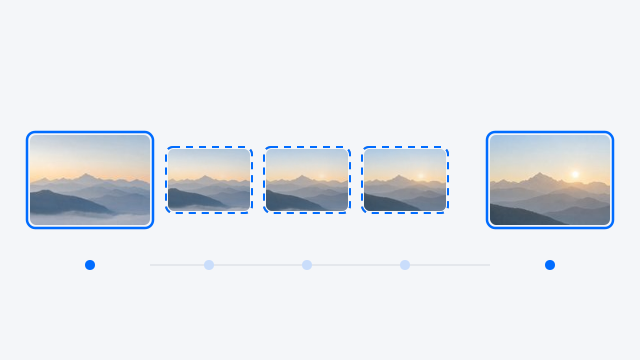
Set the first frame, or the first and last frames, to shape the motion (depends on the model).
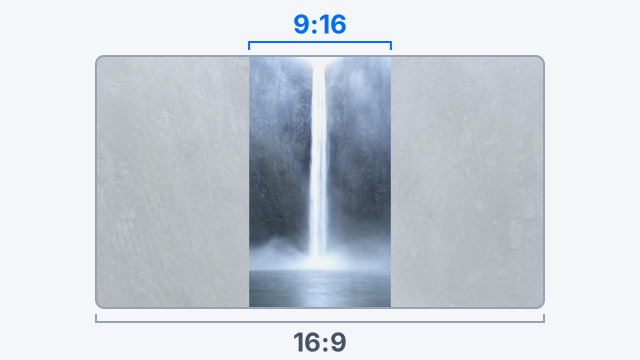
Fill the empty space around off-ratio visuals with a blurred or black background, and choose whether a video clip plays with, before, or after the narration.
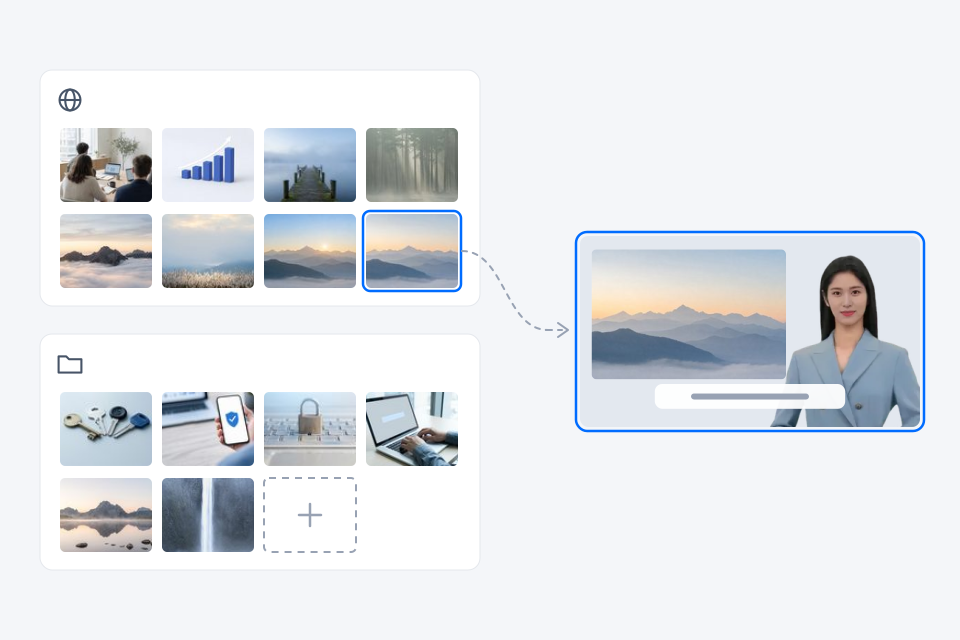
Drop in free stock images and videos, or reuse files saved in your library. Free stock doesn't use credits.
See videos organizations and companies have made with AIPARK Studio, the home of V‑GEN and AiVATAR.
AI video b-roll generation is available on BASIC and above. On the FREE plan you can generate AI image b-roll.
It varies by generation model, resolution, and length. See V‑GEN and the asset screen for details.
No. Every model is available right inside V‑GEN.