

NEW
Create news, educational, and explainer videos quickly and easily with a four-step workflow.
Enter your content, pick a template and an avatar, and V-GEN automatically produces professional-quality video.
01
Enter text, documents, PPT, or any content, and AI automatically generates a storyboard.
02
Choose a high-quality template that fits your purpose — news, education, guidance, presentations, and more.
03
Choose who appears in your video from 140+ avatars.
04
AI generates the video automatically, and you can download the finished video right away.
Enter text and AI automatically designs the slide layout, narration flow, and scene transitions.
Professionally designed templates for a range of purposes — news, education, guidance, and more.
140+ lifelike AI avatars read the narration and appear in your video.
Produce videos in many languages — ideal for global content.
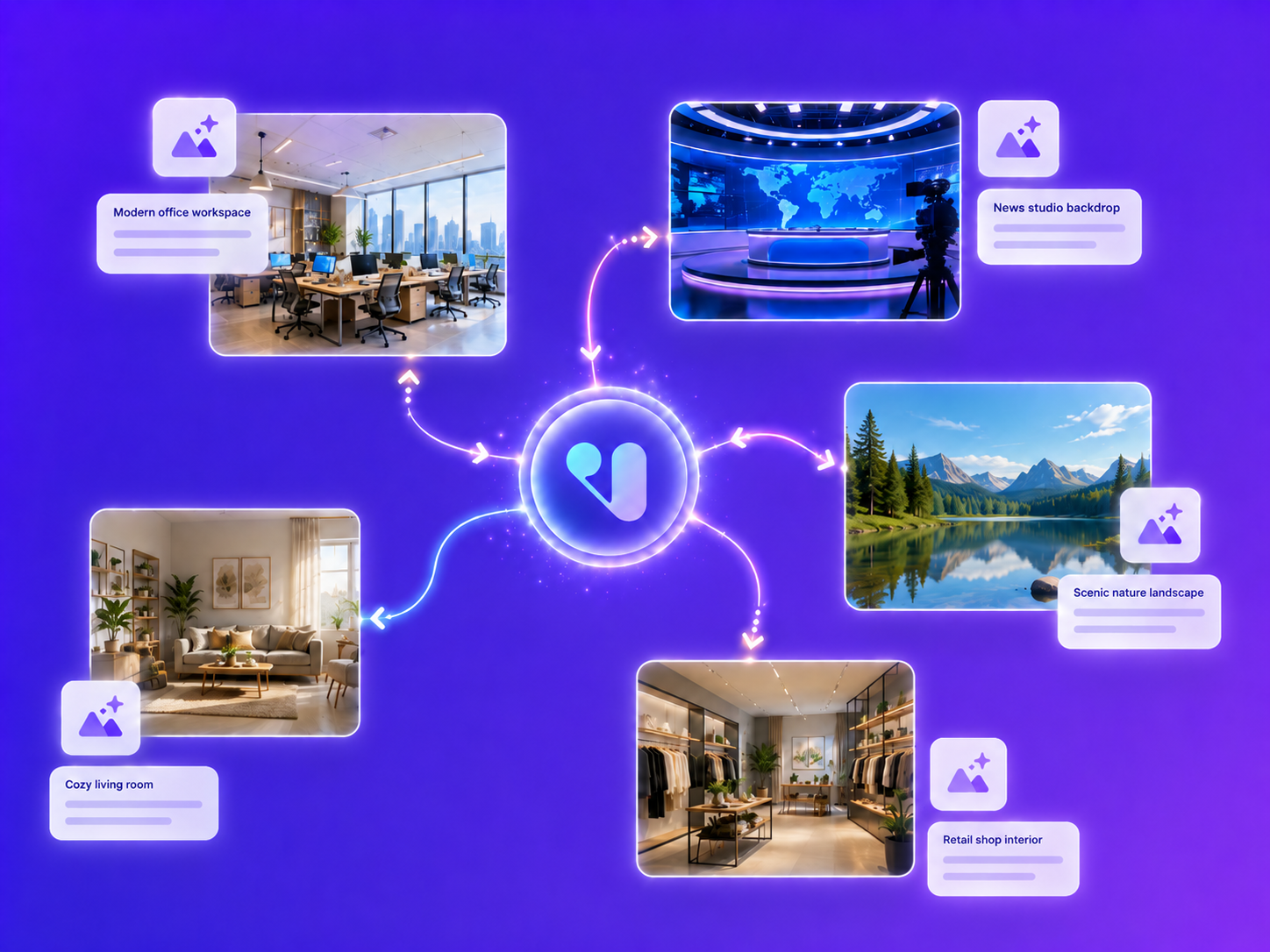
Pick the right model for the job — photorealistic images, illustrations, diagrams, and more.
V-GEN reads your script and suggests the visuals each scene needs.
Generated visuals drop straight into the right scene — no extra editing.
The 140+ AI avatars and wide range of voices from AiVATAR Studio are all available in V-GEN. Tap into Studio's premium assets — exclusive avatars, self-custom avatars, and more — to create video that fits your brand.
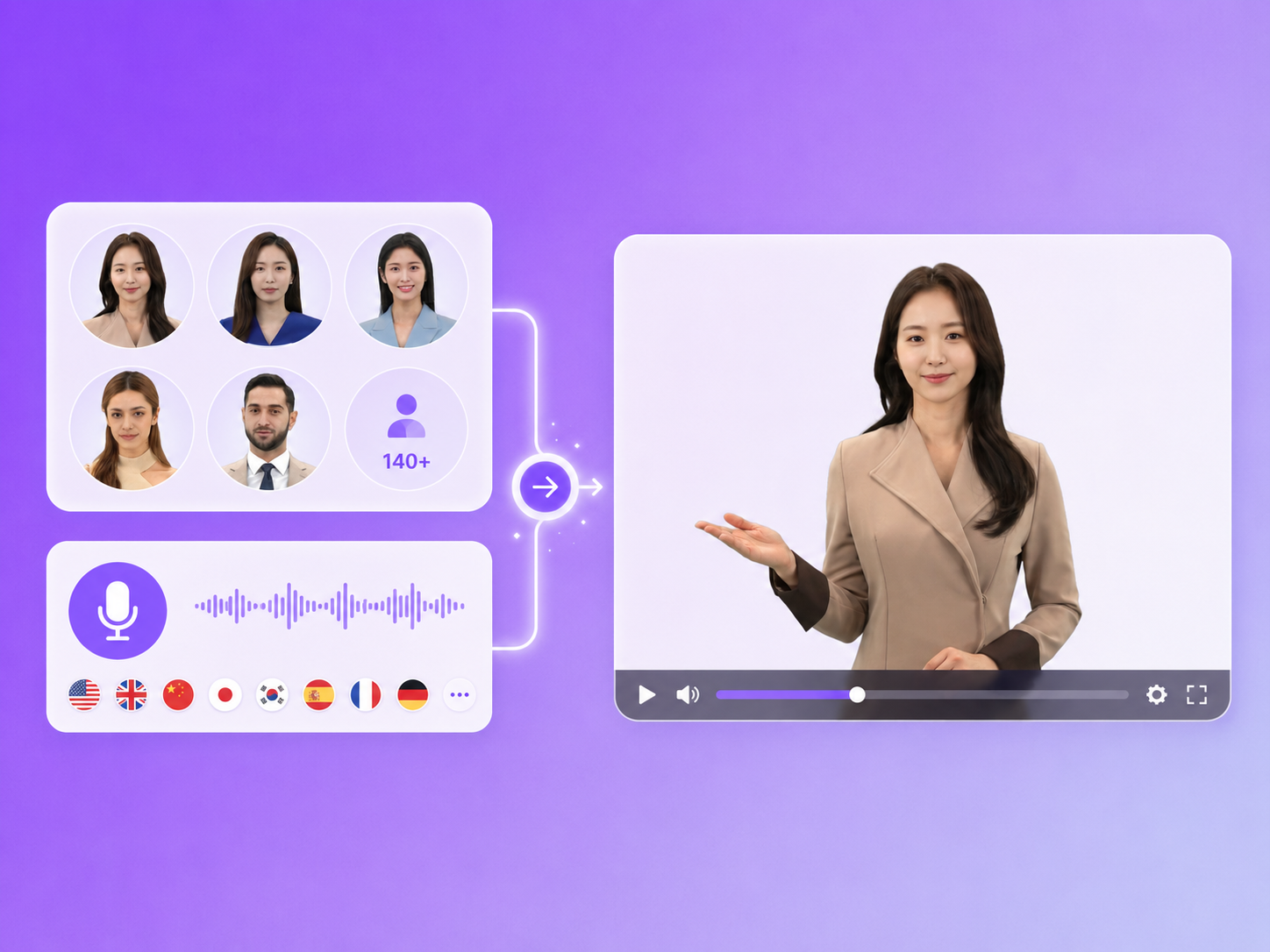
Choose from avatars with a wide range of looks and styles.
Multilingual voices for global content production.
Keep your brand identity consistent with custom avatars and voices.
See the many types of video you can create with V-GEN.
Just enter your text, and professional-quality news, educational, and explainer videos are created automatically. Try it free.


